





AI Powered Patient Scheduling Software
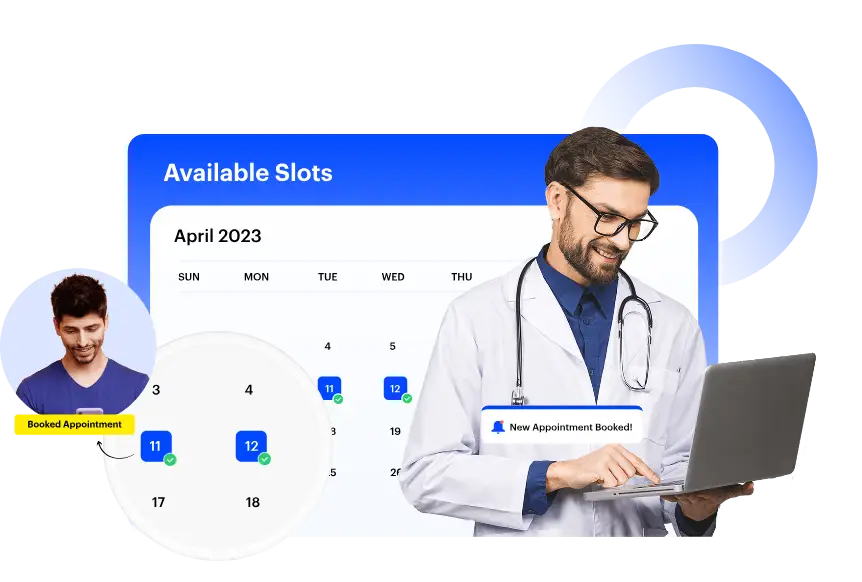
Bid Goodbye to Manual Appointment Scheduling
Our automated patient scheduling tools save you time and cut down on admin work, while giving patients the convenience they expect. Take control of your practice the easy way.
Let patients schedule their appointments anytime, from anywhere
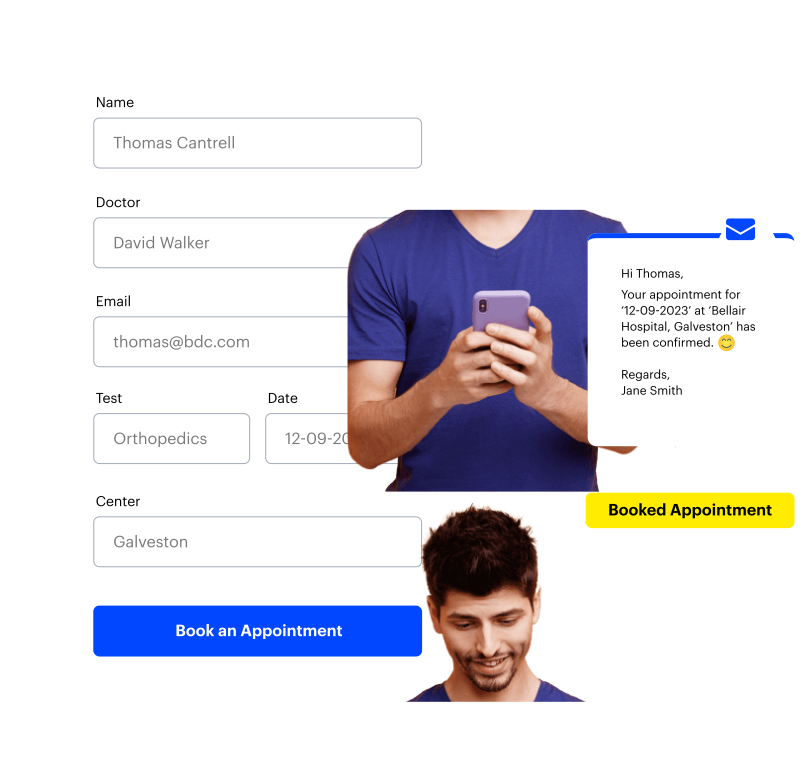
Give your patients the freedom to book appointments on their own, at a slot they prefer, without calling in. With our user-friendly digital forms (both for appointment booking and patient intake) and patient portals, scheduling becomes a breeze.
Keep your calendar in sync
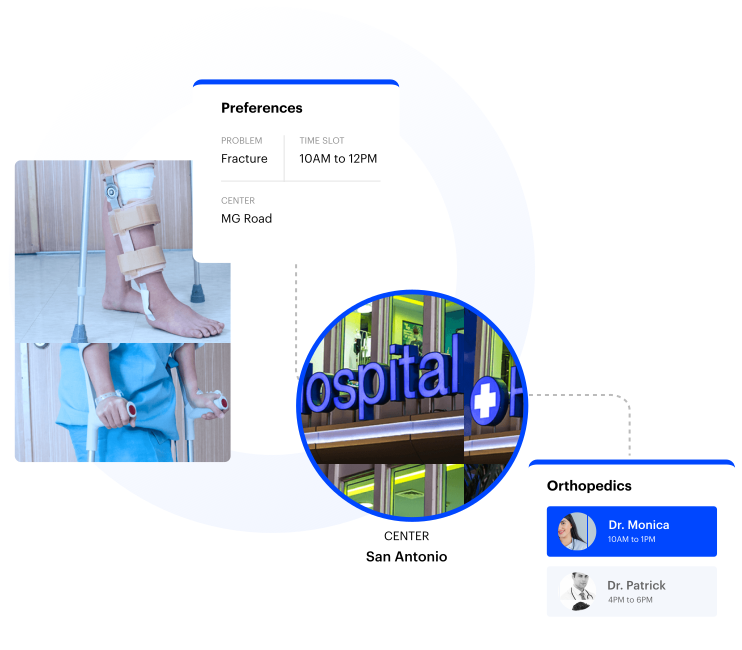
Make sure your entire intake and admin teams are on the same page with complete visibility into different doctors’ appointment schedules.
Create, manage, and enrich patient profiles
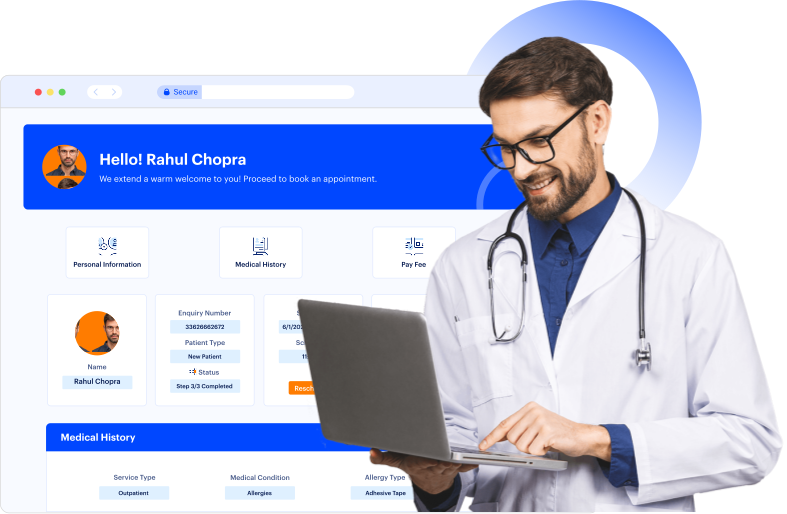
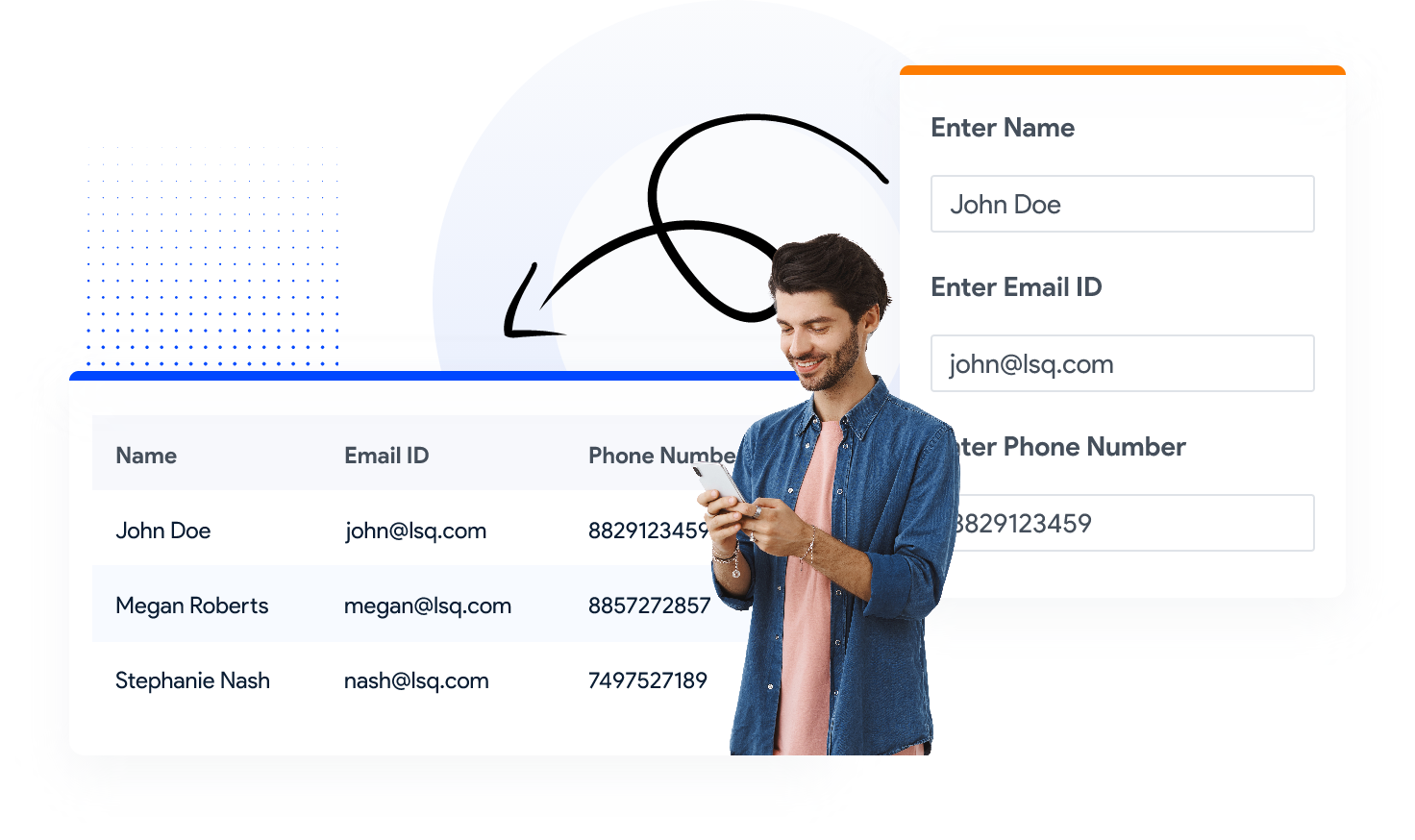
Keep everything you need to know about your patients in one place and update their data as needed. With real-time syncing and patient portals, patients can also view or update their own info.
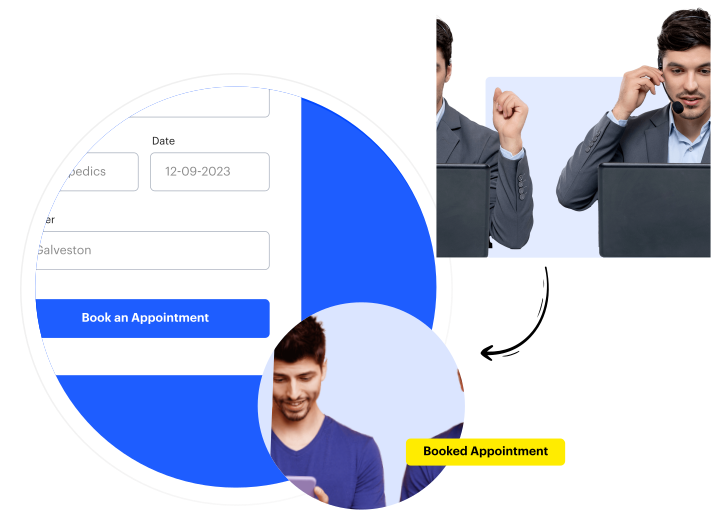
Appointment management for call centers
Give your call center agents the tools they need to schedule appointments quickly and accurately. Avoid back-and-forth with real-time access to doctor availability and patient details right from their call dashboard.
You can also integrate your current call center software with LeadSquared for easy handling of information.
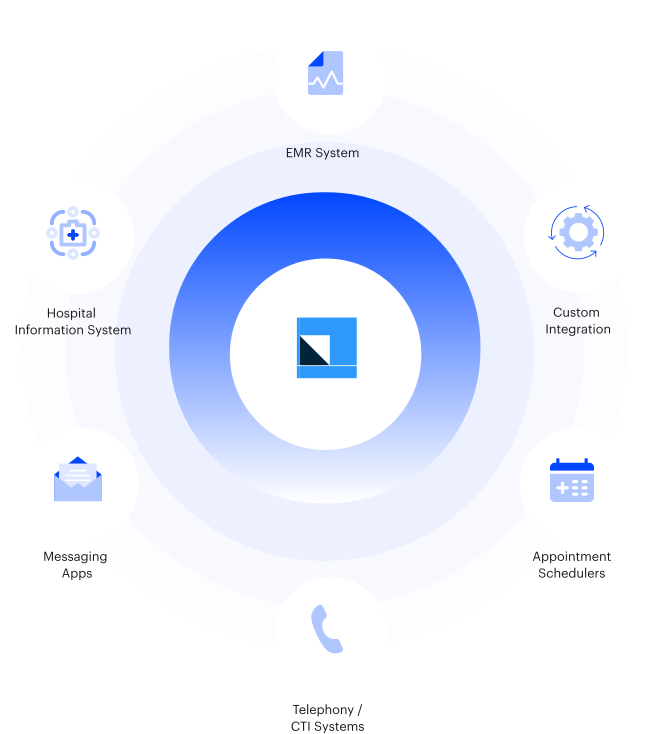
Connect your systems for a smoother appointment experience
Make scheduling easier by integrating LeadSquared with your EHR and other in-house tools. When everything talks to each other—appointments, patient data, care plans—it’s easier to make quicker, better-informed decisions.
Stay organized with Calendar View
See your day laid out clearly with LeadSquared’s Calendar View. View available slots, booked appointments, and provider schedules in one calendar. You can even add or adjust appointments directly from the calendar, without switching tabs or digging through lists.

Free Up Your Time with Automation Tools
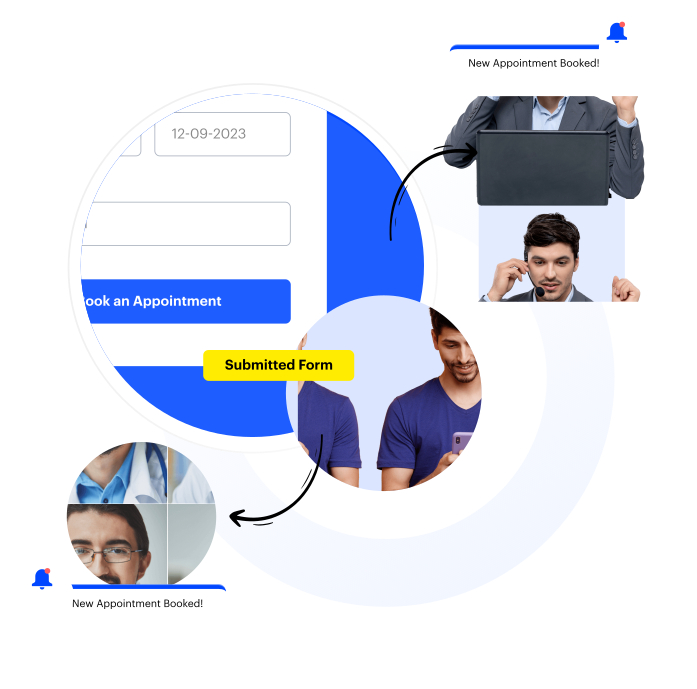
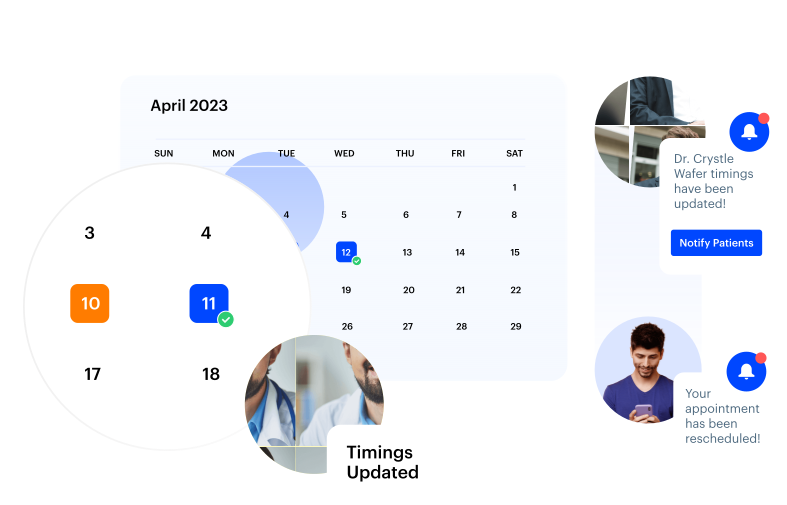
Notify care managers and doctors about appointment updates
Ensure your care managers and doctors are always in sync with instant updates that can be automated. Important information or changes can be relayed to your entire team this way.
Streamline communication with responsive templates
Save time and effort by setting up message templates for appointment confirmations, reminders, and updates. You can also set up autoresponders for common patient inquiries.
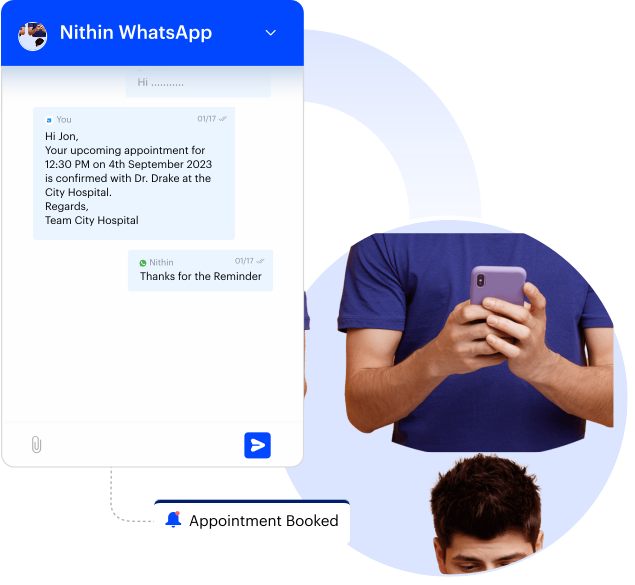
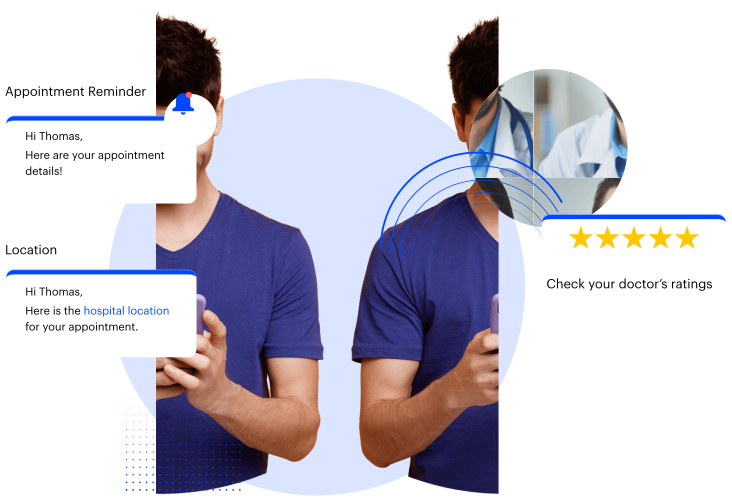
Reduce no-shows with automated appointment reminders
Missed appointments can throw off your whole day. With automated reminders sent via text messages, email, or WhatsApp, patients are more likely to show up or reschedule if needed. It’s a small but crucial step that cuts down gaps in your schedule.
Automate workflows for follow-up and recurring appointments
Create healthcare workflows to handle recurring patient appointments & notify patients automatically before each session.
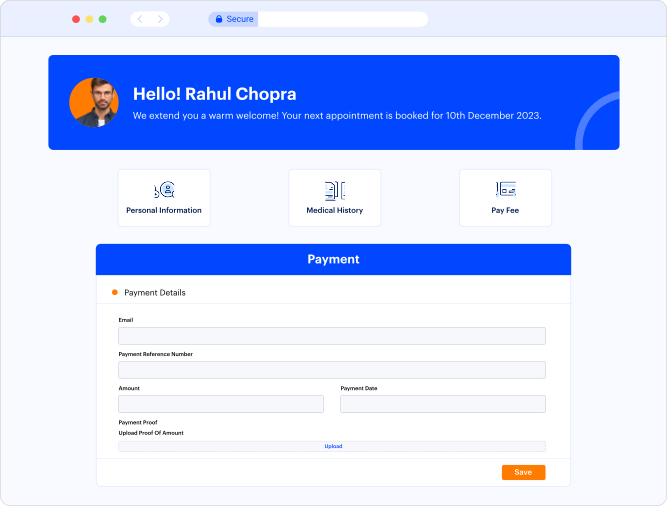
Simplify billing, insurance, and payment processing
Keep the financial side of care stress-free. LeadSquared integrates with your insurance verification systems to streamline eligibility checks, billing, and payment processing.
Make patient intake quick and easy
Scheduling is only one step. The patient intake process is what sets the tone for your practice’s first impression. Digitize intake forms, collect essential information ahead of time, and reduce paperwork at the front desk.
Patients can complete forms online, upload documents, and even sign consent forms from their own device before they visit for their appointments.
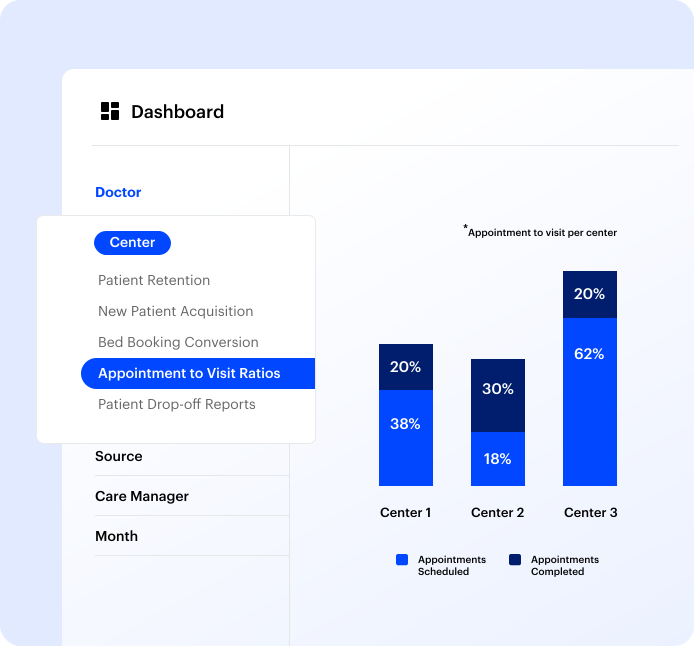
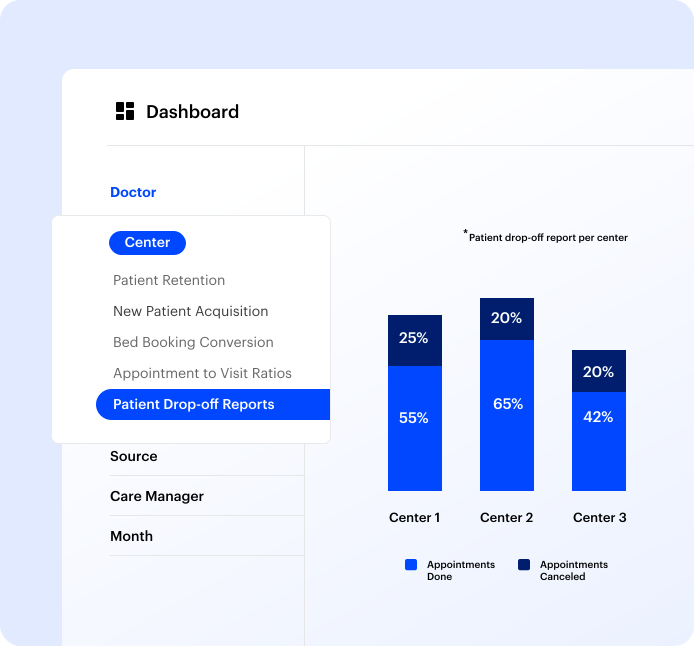
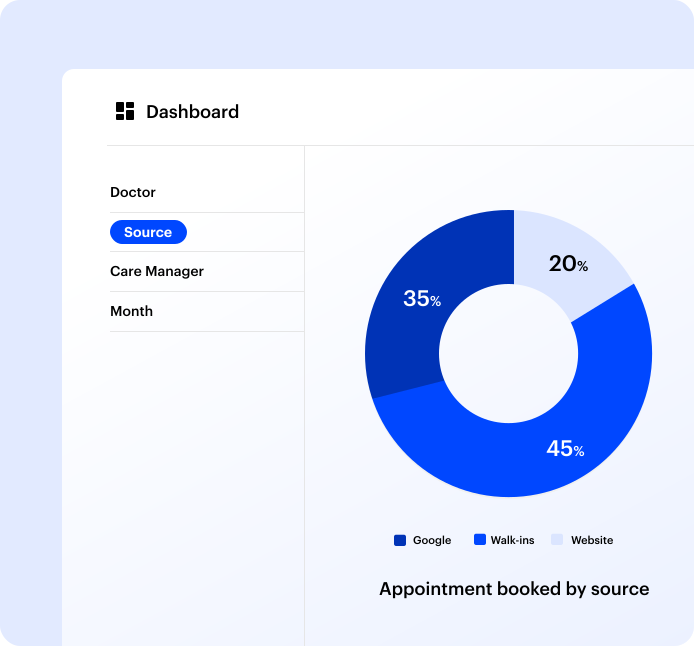
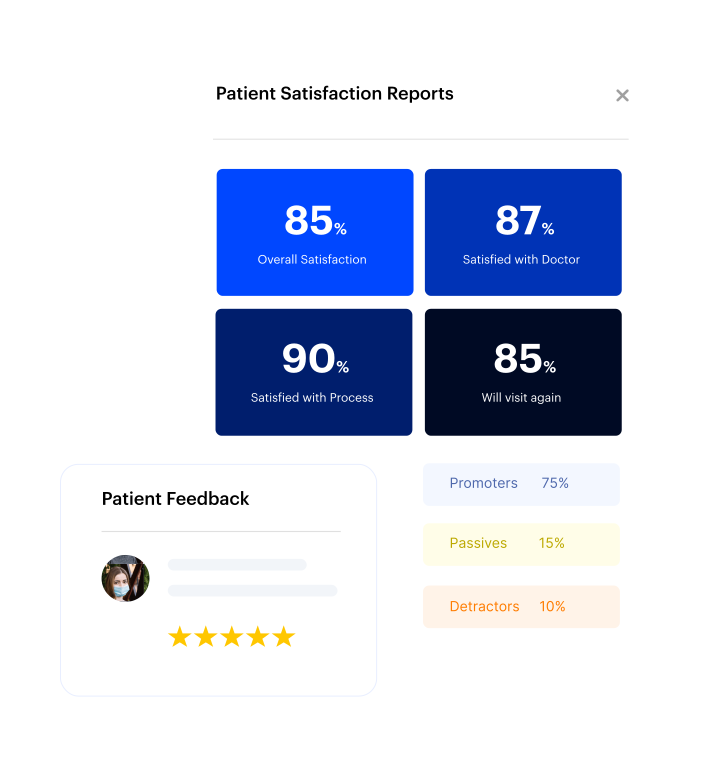
Identify and Repair Bottlenecks in Seconds with
Customizable Appointment Scheduling Reports
Understand what’s working and what’s not. Get real-time reports and dashboards that help you track your most important metrics.
Schedule a Demo with our Experts

Patient Appointment Scheduling FAQs
How do you manage a patient appointment?
You can use an appointment scheduling CRM to manage and streamline the patient appointment booking process. It helps you schedule and reschedule appointments easily. You can also set automated reminders for upcoming appointments and follow-ups.
What is an online patient appointment?
An appointment booked by patients through any online channel is an online appointment. They can either book through the hospital website or mHealth platforms like Practo.
What software is used for appointment scheduling?
There are many software available in the market for patients to book appointments and for hospitals and clinics to manage them. Some popular appointment scheduling software are: AdvanceMD, Athena Health, eClinicWorks, and more.
What are two methods used to schedule patient appointments?
The two methods generally used to make appointments are through online channels or phone calls. The online channels to book patient appointments are hospital websites and apps, healthcare aggregators, or WhatsApp.
What are the methods used to remind patients of their appointments?
Emails, SMS, and WhatsApp messages are proven methods to send reminders for appointments to patients. You can also use software to automate these reminder messages and ensure no appointment is missed.
How to simplify and automate appointment booking and scheduling for new and existing patients?
To simplify and automate appointment booking hospitals can:
- Use a unified digital booking system
A single system should handle all appointment sources including website forms, WhatsApp, call center, mobile app, walk-ins, and referrals. When every booking flows into the same platform, staff no longer have to manage multiple calendars or communication channels.
A healthcare CRM like LeadSquared can act as this central booking layer, capturing inquiries and converting them into appointments.
- Offer self-booking options
Today, patients expect convenience. Hospitals can provide:
- Online booking pages
- WhatsApp booking flows
- QR-code based registration
- Appointment links sent via text messages or email
Patients can choose their doctor, time slot, or service without waiting for a coordinator to respond. The system updates availability instantly, preventing double bookings.
- Automate confirmations and reminders
Automated messages reduce patient no-shows and staff workload. The system can send:
- Appointment confirmation
- Pre-visit instructions (fasting, documents, insurance details)
- Reminder messages a day or a few hours before the visit
- Location and parking guidance
These alerts can go through text messages, WhatsApp, email, or IVR.
- Sync with doctor schedules and hospital systems
Automation works best when schedules stay accurate. The booking system should integrate with the hospital’s HIS or EMR so that:
- Doctor calendars update in real time
- Slots get blocked when doctors are unavailable
- Patient records are auto created or updated after booking
This prevents miscommunication at the front desk.
- Enable smart routing for new and existing patients
New patients can be guided to first consultations, while existing patients can be automatically recognized and scheduled for follow-ups with their treating doctor. This saves time and keeps the patient history intact.
How to automate doctor assignment based on specialty and availability?
To automate doctor assignment based on specialty and availability, you can:
- Create a digital list of doctors and their specialties
The first step is storing each doctor’s details in one place — their specialty, sub-specialty, location, OPD timings, off days, and shift schedule. This database becomes the foundation for automated routing.
- Set up rules that match patient needs to the right specialty
When a patient makes an inquiry, books online, or reaches out via WhatsApp or call center, a patient scheduling software, like LeadSquared, can be used to input the details of the type of care the patient is looking for, be it cardiology, orthopedics, dermatology, etc. Based on this, it can automatically filter the doctors who can handle that condition.
- Use real-time availability
Automation only works if the system knows which doctor is free or has open slots. So, by integrating with the hospital’s HIS or calendar, the patient scheduling software can:
- Check available time slots
- Remove doctors who are on leave
- Avoid double-booking
- Redirect to the next available doctor
This ensures patients don’t get assigned to unavailable or overbooked clinicians.
- Auto-assign the right doctor
Once specialty and availability are checked, the system can automatically:
- Route the inquiry to the assigned doctor or departmental coordinator
- Book the patient into the doctor’s next open slot
- Notify both the patient and the doctor
Rules can be as simple or advanced as needed — for example, assigning based on seniority, rotating doctors evenly, or prioritizing emergency cases.
- CRM platforms like LeadSquared help unify these steps
A healthcare CRM can store doctor profiles, apply assignment rules, check availability via integrations, and automatically schedule or route inquiries. It ensures the patient reaches their desired doctor without manual sorting or back-and-forth communication.


